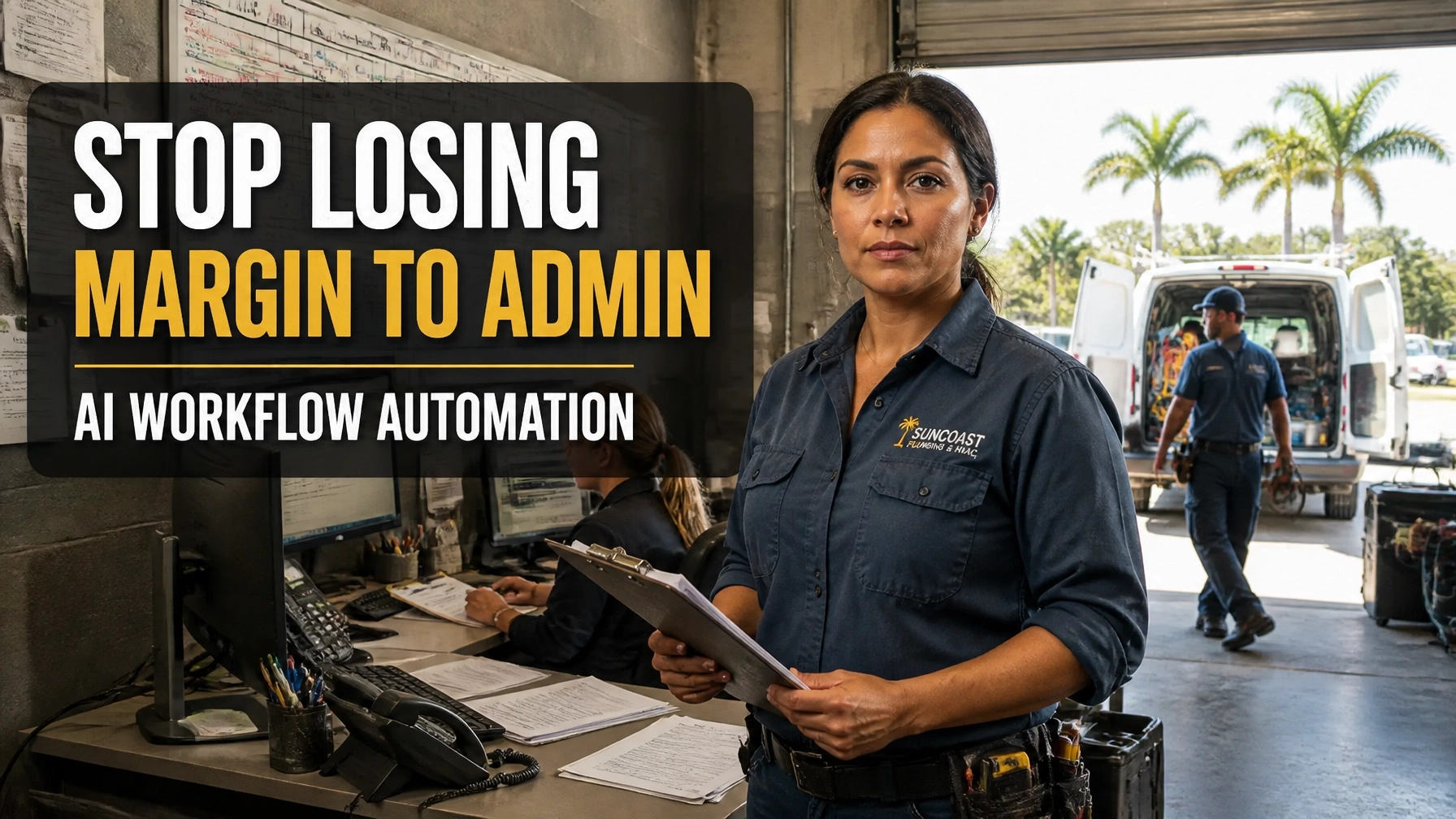
TL;DR: Your margin is not only lost in labor, materials, or fuel. It also disappears when estimates sit unanswered, appointments are scheduled manually, invoices go out late, and follow-up depends on memory. AI workflow automation connects your phone, forms, CRM, scheduling, dispatch, invoicing, and customer follow-up so work moves forward automatically. You stay in control while your systems handle repetitive tasks, flag exceptions, and keep jobs from falling through the cracks.
Your back office is costing you more than time.
Every unanswered estimate, delayed invoice, missed callback, scheduling mistake, and unfinished form creates friction. That friction quietly reduces capacity and margin while you are busy running jobs, managing crews, or handling emergency calls across Florida.
The stakes are real.
A customer in Tampa may call three companies before lunch. A homeowner in Orlando may choose the first roofer who responds with a clear estimate. A property manager in Jacksonville may move on when your invoice arrives two weeks late. Meanwhile, competitors are adopting faster systems that keep leads, jobs, and payments moving.
The good news is that artificial intelligence has matured beyond simple chatbots. With the right setup, AI workflow automation can connect the back-office tasks that normally depend on you.
What AI Workflow Automation Actually Does
AI workflow automation uses software, rules, integrations, and artificial intelligence to move information between the tools you already use.
For a Florida trade company, that might include:
- Capturing calls, web forms, texts, and social inquiries
- Qualifying new leads by job type, urgency, location, and budget
- Drafting estimates from your pricing rules and service templates
- Sending quotes and follow-up messages automatically
- Scheduling jobs based on crew availability, skills, and service area
- Confirming appointments and sending reminders
- Creating invoices from completed job information
- Flagging unpaid invoices and triggering payment reminders
- Updating your CRM, accounting platform, and dispatch system
- Escalating unusual or high-risk situations to a person
This is not about removing judgment from your business.
It is about ensuring that routine work does not wait for the owner to remember it.
The IBM Institute for Business Value describes business process automation as a major area for generative AI adoption. In its executive research, leaders expected generative AI to increase business-process productivity by 41%. That figure represents executive expectations, not a guarantee for every company. The practical lesson is clear: major organizations are redesigning workflows instead of simply adding more software.
Small trade companies can apply the same principle at a more practical scale.
The Old Way vs. The New Way
1. Estimating and Quote Follow-Up
Old way:
You receive a request while driving, working, or talking with another customer. You write down the details, plan to prepare an estimate later, and hope someone follows up. The quote may eventually go out, but there is no consistent process after that.
The customer hears nothing for several days.
By then, another HVAC, plumbing, roofing, or electrical company may already have the job.
New way:
AI captures the inquiry, organizes the details, and routes it into your estimating process. It can draft a quote using your approved templates, service areas, pricing logic, and terms. You or a designated employee reviews the estimate before it goes to the customer.
After delivery, the system can send a helpful follow-up sequence:
- Confirm that the customer received the estimate.
- Answer common questions.
- Ask whether the customer wants to schedule.
- Notify your team when the customer responds.
- Stop messaging once a person takes over.
This creates consistency without making your customer experience feel robotic.

2. Scheduling and Dispatch
Old way:
Scheduling lives in a calendar, a whiteboard, a spreadsheet, and someone's memory. A technician gets sent across town while another qualified technician is closer. An emergency call disrupts the entire day. Customers call repeatedly to ask when someone will arrive.
That is not a people problem.
It is a workflow problem.
New way:
AI workflow automation can evaluate job type, technician skills, location, availability, priority, and expected duration. It can recommend the best assignment or handle routine scheduling within rules you approve.
Your customers can receive:
- Appointment confirmations
- Arrival windows
- Reminder messages
- Rescheduling options
- Weather or delay updates
- Completion notifications
For Florida businesses, this matters during summer HVAC demand, hurricane-related roofing work, heavy rain, pest seasons, and pool service peaks. Demand changes quickly. A connected workflow gives you a clearer view of what is booked, what is delayed, and what needs attention.
The Bafmin AI automation service is designed around this type of operational connection, including lead handling, follow-up, scheduling, and repetitive administrative work.
3. Invoicing and Collections
Old way:
A technician finishes the work. The paperwork sits in a truck, inbox, or office tray. Someone re-enters the job details into an accounting system. The invoice goes out later. Then payment follow-up starts only after the owner notices the balance.
Late invoicing slows cash flow.
Inconsistent collections create uncomfortable conversations.
New way:
When a job reaches a completed status, automation can use the approved job record to generate an invoice, send a payment link, and update the right systems. It can also trigger reminders based on your policies.
A simple process could include:
- Same-day invoice delivery
- Payment confirmation
- Friendly reminder before the due date
- Follow-up after the due date
- Internal task for a personal call
- Escalation for disputed or unusual charges
AI can also extract information from forms, receipts, and supplier invoices. Human review should remain in place for exceptions, refunds, tax questions, and high-value transactions.
The goal is not blind automation.
The goal is fewer delays and fewer manual handoffs.

Why Connecting Systems Matters More Than Adding Tools
Many trade owners already use separate tools for calls, estimates, scheduling, dispatch, accounting, email, and customer management.
The problem is the gaps between them.
If a new lead enters one system but never reaches the scheduler, the software has not solved the problem. If a completed job does not trigger an invoice, your team still has to remember the handoff. If a declined estimate does not create a follow-up task, potential revenue disappears quietly.
AI workflow automation connects the chain:
Lead → Estimate → Approval → Schedule → Dispatch → Completion → Invoice → Payment → Follow-Up
That connected process gives you a more reliable operating rhythm. It also makes problems easier to find. You can identify where jobs stall instead of discovering the issue after a customer complains.

Start With the Work That Repeats
You do not need to automate everything at once.
Start with work that is:
- Repeated every week
- Governed by clear rules
- Time-consuming but low judgment
- Easy to measure
- Reversible when something goes wrong
- Connected to a visible business outcome
Good starting points include:
- Missed-call intake and lead response
- Quote delivery and follow-up
- Appointment reminders
- Completed-job invoice creation
- Payment reminders
- Review requests after successful work
- Internal alerts for unassigned or stalled jobs
Before implementation, document the current process. Write down who does what, which system they use, what information they need, and where delays occur.
Then build the automated workflow around the real process: not the process you wish you had.
Measure Margin, Not Just Activity
Automation should produce measurable business value.
Track metrics such as:
- Average lead response time
- Quote-to-booking rate
- Number of open estimates
- Time from job completion to invoice
- Average days to payment
- Missed-call recovery
- Scheduling errors
- Administrative hours per week
- Revenue by lead source
- Jobs stalled at each workflow stage
The U.S. Census Bureau's Business Trends and Outlook Survey has shown that AI adoption is growing among businesses. An SBA Office of Advocacy analysis reported that 8.8% of small businesses were using AI under a narrow definition focused on producing goods or services in August 2025.
That percentage does not mean every trade company needs AI immediately.
It does mean the market is moving.
Your competitors do not need a fully autonomous operation to gain an advantage. They only need to respond faster, follow up more consistently, and spend less owner time on repetitive work.
Build a Practical AI Workflow
A strong implementation includes five parts:
- Process audit: Identify where work is delayed, duplicated, or forgotten.
- System map: Document your phone, CRM, scheduling, dispatch, invoicing, and accounting tools.
- Automation design: Decide what AI can handle, what requires approval, and what must escalate.
- Testing: Run the workflow with real scenarios before making it fully active.
- Measurement: Compare response times, administrative hours, bookings, and payment speed before and after implementation.
Security and access controls matter too. Your workflow should protect customer information, limit unnecessary permissions, and maintain a record of important actions. Bafmin's security and trust resources explain the importance of responsible system design.
The Bottom Line
Your business should not depend on the owner personally pushing every task from estimate to payment.
That model breaks as your call volume grows, your crews expand, or your service area stretches from St. Petersburg and Tampa to Orlando, Jacksonville, Sarasota, Fort Myers, Miami, and beyond.
AI workflow automation gives you a way to connect the back office without losing control. It can keep leads moving, reduce scheduling friction, accelerate invoicing, and make follow-up consistent across HVAC, plumbing, electrical, roofing, landscaping, pest control, pool service, and other Florida trades.
The first step is not buying another tool.
The first step is auditing where your margin is leaking.
Bafmin's AI operations audit can help you identify which workflows are ready for automation and which require better process design first. When the right work is connected, your team can spend more time serving customers and less time chasing paperwork.