TL;DR: Copy these seven prompts into your AI tool, replace the bracketed details, and use the drafts to document real business processes. They cover process audits, SOPs, customer intake, estimate follow-up, weekly reviews, staff handoffs, and process improvement. Treat every output as a draft: check it against how your business actually works, and keep people responsible for safety, money, and customer commitments.
If routine work depends on one person remembering every step, your business needs a system, not another vague note that says “make sure this gets done.” These prompts help you turn what people know into instructions your team can review, test, and improve.
They are designed for small businesses of different kinds: a Florida HVAC company, a dental office, a manufacturer, or a local service business. You do not need to buy software to try them. You do need to supply the real details.
Start with the process, not the AI
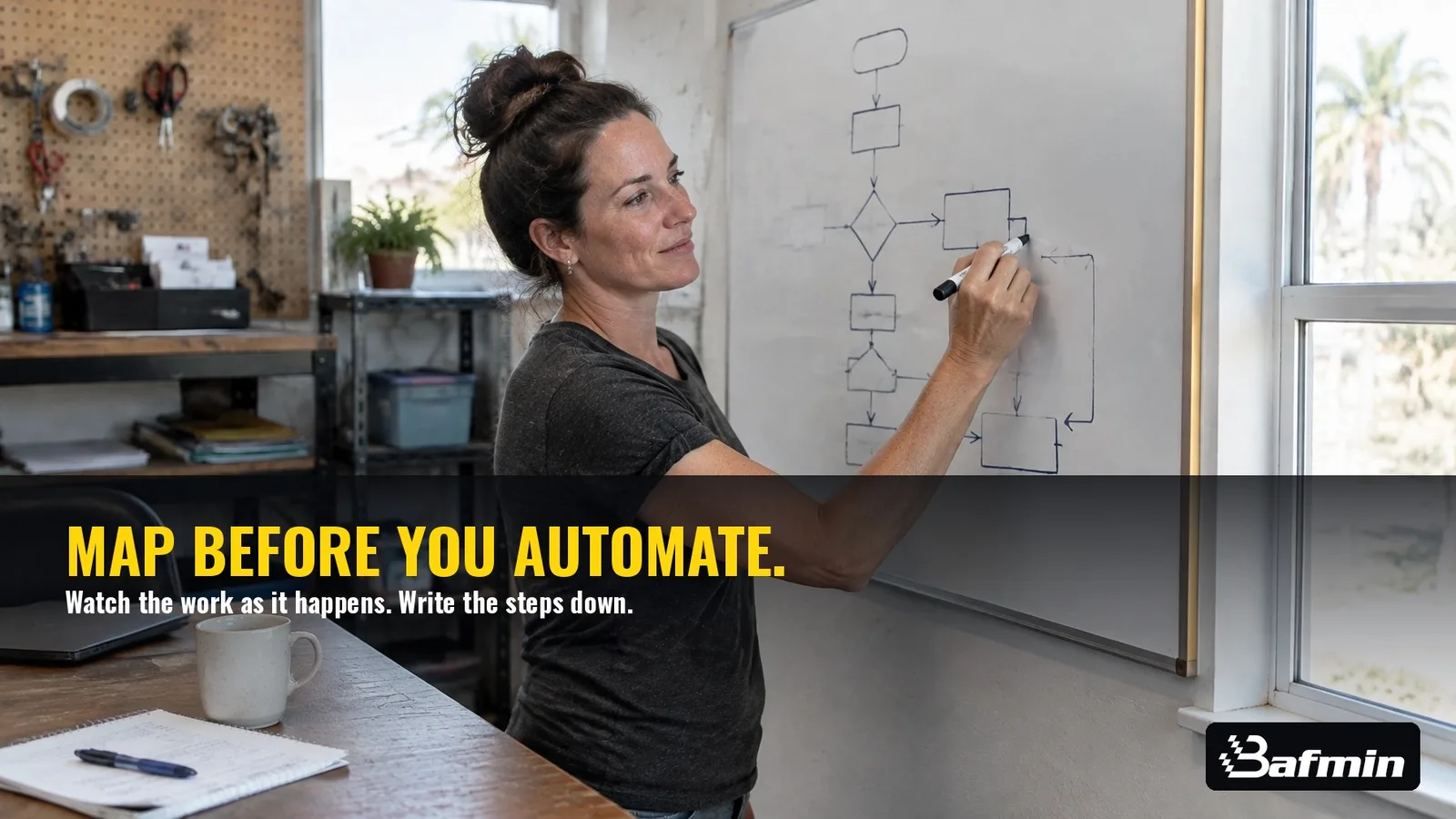
A prompt cannot reliably document a process it does not understand. Begin by describing the work as it happens, including the handoffs, decisions, exceptions, and workarounds. The first guide in this series walks you through mapping a workflow before you improve or automate it.
AI use is becoming part of normal business operations, but the numbers need context. The Federal Reserve’s April 2026 review reported that roughly 18% of firms used AI by the end of 2025 under a broader survey measure. Because the survey’s definition changed, those figures should not be compared directly with earlier, narrower measures. The practical point is simple: businesses are testing AI, but the useful work still starts with clear processes and careful review.
How to use these copy-paste prompts
Replace every bracketed instruction with information about your business. If you do not know an answer, write “unknown.” That is better than letting the AI guess.
Use real process descriptions, but remove customer names, private contact details, payment information, passwords, and other sensitive data. Then review the output with the people who do the work. The SBA’s guidance for small businesses recommends starting with care and having another person review AI-generated work.
1. Turn a workflow into an SOP
What this does: Converts a rough process description into a draft standard operating procedure with owners, decisions, and failure paths.
Act as a practical small-business operations consultant. Help me document a process without inventing company rules.

Business type: [BUSINESS TYPE]
Process name: [PROCESS NAME]
Process owner: [ROLE OR PERSON]
Tools or forms used: [TOOLS, FORMS, OR “NONE”]
Current process in plain language: [PASTE ANONYMIZED PROCESS DESCRIPTION]
Known exceptions or workarounds: [LIST OR “UNKNOWN”]

First, ask me up to 5 clarifying questions about missing steps, owners, decisions, or exceptions. Ask the questions and stop. Do not write the SOP until I answer.

After I answer, create a concise SOP with:
1. Purpose and scope
2. Trigger and end point
3. Roles and responsibilities
4. Required information or materials
5. Numbered steps, with one clear owner per step
6. Decision points and what happens on each path
7. Common failure paths and who to notify
8. Definition of “done”
9. Assumptions and unresolved questions

Do not make up policies, timelines, prices, legal requirements, safety instructions, or software capabilities. Mark missing details as [OWNER TO CONFIRM]. Use plain language that a new employee can follow.
Make it yours: Replace the process description with what staff actually do, not just what the handbook says they should do.
2. Find the undocumented work
What this does: Interviews you to uncover recurring work, bottlenecks, and processes that exist only in people’s heads.
Act as an operations interviewer helping a small-business owner find undocumented processes.

Business type: [BUSINESS TYPE]
Team size and main roles: [TEAM SIZE AND ROLES]
Main products or services: [PRODUCTS OR SERVICES]
Current pain points: [WHAT GETS DELAYED, REPEATED, OR MISSED]

Interview me one question at a time. Ask no more than 12 questions. Focus on work that happens repeatedly, depends on memory, crosses between people, creates rework, or gets handled differently depending on who is working.

Ask about:
- What starts the work and what counts as finished
- Who does each step and who takes over next
- Where information is recorded
- What people do when information is missing
- Common exceptions and workarounds
- Which tasks involve safety, money, customer promises, or sensitive information

After the interview, summarize:
1. The 3 processes most worth documenting first, with reasons
2. A simple trigger-to-finish outline for each
3. Missing information to confirm with the team
4. Risks that require a human owner

Do not assume a process is broken just because it is informal. Do not invent facts or recommend automation before the process is understood.
Make it yours: Add the team’s roles and your biggest recurring headaches. You can run this interview again with an employee to compare perspectives.
3. Draft a customer intake script
What this does: Creates a call or inquiry script that captures the right details and routes unusual requests to a person.
Act as a customer-service process writer for a small business. Draft a natural intake script based only on the approved business rules below.

Business: [BUSINESS NAME AND TYPE]
Products or services offered: [APPROVED SERVICES]
Service area or customer eligibility: [RULES]
Information staff must collect: [REQUIRED FIELDS]
Hours and availability rules: [APPROVED HOURS AND BOOKING RULES]
Approved statements staff may make: [APPROVED CLAIMS OR “NONE PROVIDED”]
Requests that must go to a person: [ESCALATION RULES]
Topics staff must not advise on: [PROHIBITED ADVICE OR COMMITMENTS]

Output:
1. A short opening
2. Questions in a sensible order
3. A brief confirmation of the information collected
4. Branches for common situations: eligible request, out-of-scope request, missing information, no available appointment, and urgent or unusual concern
5. A clear human handoff line for each escalation
6. A closing and recordkeeping checklist
7. A list of business rules I still need to confirm

Keep the tone [TONE]. Do not diagnose, give technical or medical advice, promise a price or response time, or guarantee availability unless that exact rule appears above. Mark unknowns [OWNER TO CONFIRM].
Make it yours: Use your actual booking criteria and escalation rules. Have the staff who answer inquiries check whether the script sounds natural.
4. Build a respectful estimate follow-up sequence
What this does: Drafts a small set of estimate follow-ups without fake urgency or unsupported claims.
Act as a careful small-business communications writer. Draft a polite follow-up sequence for an estimate that has been sent but not accepted or declined.

Business type: [BUSINESS TYPE]
Service or product: [SERVICE OR PRODUCT]
Typical customer concern: [KNOWN CONCERN OR “UNKNOWN”]
Approved contact channels: [EMAIL, TEXT, OR OTHER APPROVED CHANNEL]
Follow-up timing allowed by our policy: [TIMING]
How customers can ask a question or decline: [REPLY METHOD]
Opt-out or contact preference rules: [RULES]
Approved claims or details about the estimate: [VERIFIED DETAILS ONLY]

Create:
1. Three short message drafts, each suited to the approved timing
2. A subject line for each email version, if email is allowed
3. A plain-text version for each approved channel
4. A stop rule for when to end follow-up
5. A checklist of details a staff member must verify before sending

Use a helpful, low-pressure tone. Do not invent discounts, deadlines, availability, warranties, savings, or customer history. Do not imply the customer has agreed to anything. Do not send or schedule messages; provide drafts for human review only.
Make it yours: Enter only the timing and contact practices your business has approved. Check applicable consent and communication rules before using any sequence.
5. Turn weekly notes into an operations review
What this does: Organizes your own weekly numbers and notes into a short meeting agenda without filling gaps with made-up data.
Act as an operations analyst for a small business. Use only the information I provide. Do not invent numbers, causes, or trends.

Business type: [BUSINESS TYPE]
Review period: [DATES]
Team attending: [ROLES]
Key measures and actual figures: [PASTE YOUR NUMBERS]
Work completed or delayed: [NOTES]
Customer or production issues: [ANONYMIZED NOTES]
Priorities from last week: [PRIORITIES AND STATUS]
Decisions needed: [QUESTIONS FOR THE TEAM]

Create a 30-minute weekly review agenda with:
1. A concise summary of the figures provided
2. Changes compared with the previous period, only where both periods are supplied
3. Three discussion questions based on the notes
4. A list of blocked or overdue work and its current owner, if provided
5. Decisions needed, clearly separated from facts
6. An action list with task, owner, due date, and status fields
7. Missing information that would improve next week’s review

Show calculations and their inputs. If data is missing or inconsistent, flag it instead of estimating. Do not present correlation as cause.
Make it yours: Paste a small, consistent set of figures each week. Use your own records as the baseline; the AI cannot tell you whether a result is good without valid context.
6. Build a training checklist from tribal knowledge
What this does: Turns an experienced employee’s process knowledge into a checklist a new hire can test and follow.
Act as a small-business trainer. Convert the process notes below into a practical training checklist for a new employee.

Role being trained: [ROLE]
Trainer or process owner: [ROLE OR PERSON]
Task or process: [TASK]
Notes from the experienced employee: [PASTE ANONYMIZED NOTES]
Tools, forms, or equipment used: [LIST]
Required approvals: [APPROVAL RULES]
Known safety or quality checks: [APPROVED CHECKS]
When to stop and ask for help: [ESCALATION RULES]

Create:
1. What the trainee should be able to do by the end
2. Preparation checklist
3. Steps in the order performed
4. A “show me” practice section for the trainer
5. Quality checks and what acceptable completion means
6. Mistakes or exceptions the trainee should escalate
7. Sign-off fields for trainee, trainer, and date
8. Questions the process owner needs to answer

Do not create safety instructions, technical tolerances, legal requirements, or approval authority that I did not provide. Mark gaps [OWNER TO CONFIRM]. Keep the checklist usable at the worksite or desk.
Make it yours: Ask the experienced employee to describe a recent real example first. Have a new or backup employee test the checklist while the trainer watches.

7. Improve a mapped process and set AI boundaries
What this does: Reviews a process map for possible improvements and drafts clear instructions for a limited AI helper.
Act as a cautious process-improvement advisor. Review the process below and suggest changes without assuming that automation is always the answer.

Business type: [BUSINESS TYPE]
Process goal: [DESIRED RESULT]
Current mapped process: [PASTE STEPS, OWNERS, DECISIONS, AND EXCEPTIONS]
Known problems or delays: [OBSERVED ISSUES]
Tools available: [TOOLS]
Tasks that require human judgment: [SAFETY, MONEY, CUSTOMER, OR OTHER DECISIONS]
Information the AI helper may use: [APPROVED DATA SOURCES]
Actions the AI helper may take: [DRAFT, SUMMARIZE, FLAG, OR OTHER LIMITED ACTIONS]
Actions it must never take: [PROHIBITED ACTIONS]
Human reviewer and escalation route: [ROLE AND HANDOFF]

First, list possible changes under four headings: REMOVE, COMBINE, AUTOMATE, and DELEGATE. For each, explain the reason, risk, and information still needed. Do not recommend automating a step if its rules or exception path are unclear.

Then draft proposed AI-helper instructions that state:
- The helper’s role and allowed inputs
- The exact task it may perform
- What it must not decide, promise, or change
- When it must stop and ask a person
- What information it should include in a handoff
- How a human reviews and corrects its work

Label all recommendations as proposals, not approved policy. Do not connect to tools, send messages, change records, or take action.
Make it yours: Run this only after you have mapped the real workflow. Treat the resulting instructions as a draft for review, not as permission to let a system act on its own.
Make the AI draft earn your trust
A polished answer can still be wrong. Compare each draft with real examples. Ask an employee who performs the work to find missing steps, unrealistic timing, unclear handoffs, and exceptions the AI missed.
Then test the draft on a real or safely simulated case. Track what people had to correct. Update the process, assign an owner, and set a review date. The NIST Generative AI Profile offers guidance on identifying and managing risks in generative AI systems.
Keep human approval over safety decisions, financial commitments, hiring decisions, medical or legal matters, and unusual customer situations. Don’t put sensitive or confidential information into an AI tool unless your business has reviewed that tool’s data handling and approved the use.
From DIY systems to automatic workflows
These prompts can take you from a blank page to documented, testable business systems. They do not connect your tools, handle customer calls, book work, or follow up automatically.
When you are ready to make an approved process run across your operations (such as handling inquiries, scheduling, or follow-up) Bafmin builds AI automations around defined workflows and human handoffs. You can learn more about Bafmin’s AI automation services or how we work.
The bottom line: Copy a prompt, fill in the brackets, and check the result against the real work. Start with one process. Make it clear before you make it automatic.